Never explain
yourself again
Windo already knows what you’re working on, so there’s nothing to set up, paste or re-explain. Just ask.

One AI memory across all your AI tools.
Set it up once and every model you open already knows your work. No re-explaining, no pasting context from one chat into the next.
- No connections to set up, it just works
- Works with ChatGPT, Claude, Gemini and the rest
- Your context follows you from one tool to the next




.svg)


Your AI second brain.
Ask anything about what you have worked on and get an answer drawn from your own context rather than the public web.
- Never forgets a detail
- Recalls it the second you need it
- Reachable from anywhere with one shortcut
What I need to work on today?
Where are we at Codex plugin?
What I need to do for the evals questions?
Recall anything you’ve seen.
Windo remembers what passed across your screen, so the page, video or thread you half remember from last week is one question away.
- Captures as you work, with nothing to save by hand
- Searches what you saw, not just what you wrote
- Goes back days, not just this session
What was the YouTube video about graphs I shared with Jason recently?
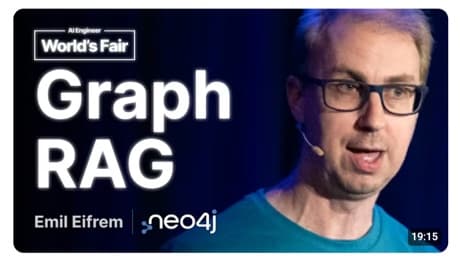
 19:15
19:15
Graph RAG
AI Engineer
24K views · 2 years ago
Own your context.
Everything Windo captures lands in an encrypted vault on your device. You decide what goes into it and what any model gets to read.
- Encrypted and stored on your own machine
- Permissions per app, website and category
- Pause capture or erase your history anytime
Privacy by design.
 Banking and financeNot tracked
 Slack
Slack- +18Adult contentNot tracked
 Cursor
 Social media
 WhatsAppNot tracked
 Notion
- Dating sitesNot tracked
 Linear
- Entertainment
 Google Drive
Yours by default.
Choose what Windo captures, a whole category or one app at a time, and pause it whenever you want. Remove a memory, a workspace or your account anytime, without contacting support.
Your memories are never shared with third parties, and passwords, card numbers and identity details are filtered on your device first. SOC 2 Type I and GDPR & CCPA compliance are in progress.
Frequently asked questions

Shared AI context layer.
Never re-explain yourself to AI again.